

eJournal searching with BrowZine
User-friendly eJournal search tools are essential for busy researchers, and Library Services recently adopted a new browsing software to help scientists quickly access and store articles.
BrowZine allows users to search the ICTP collection, and save eJournals and articles in a personal bookshelf.
Getting started with BrowZine
You can access BrowZine directly from the Library services website.
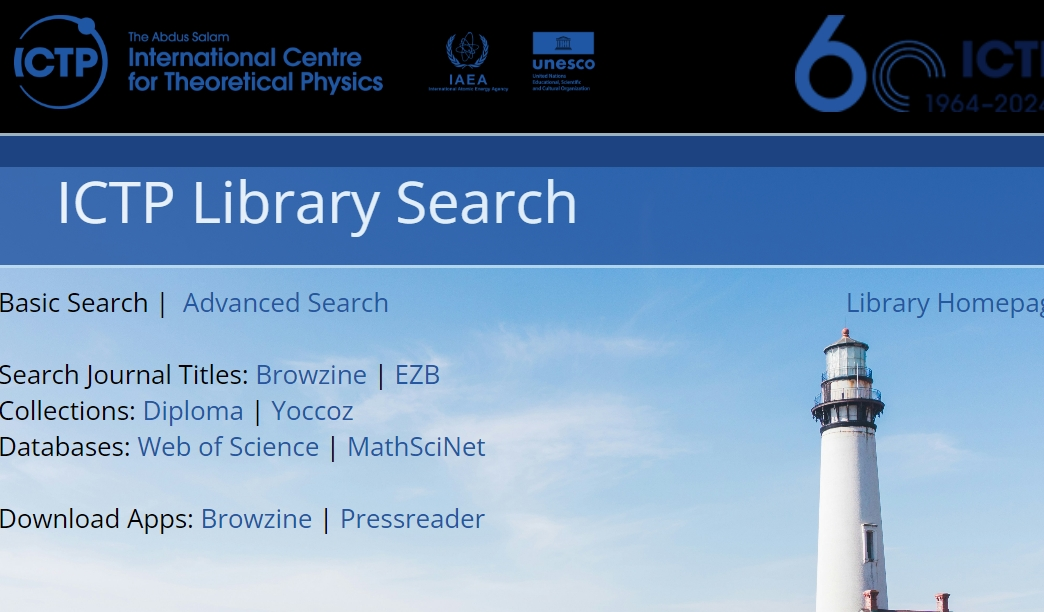
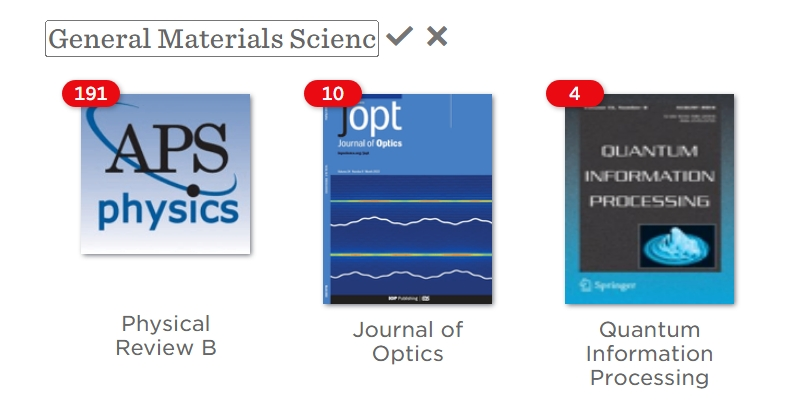
Users can either search by journal title, subject or International Standard Serial Number (ISSN), or simply browse the collection by subject.
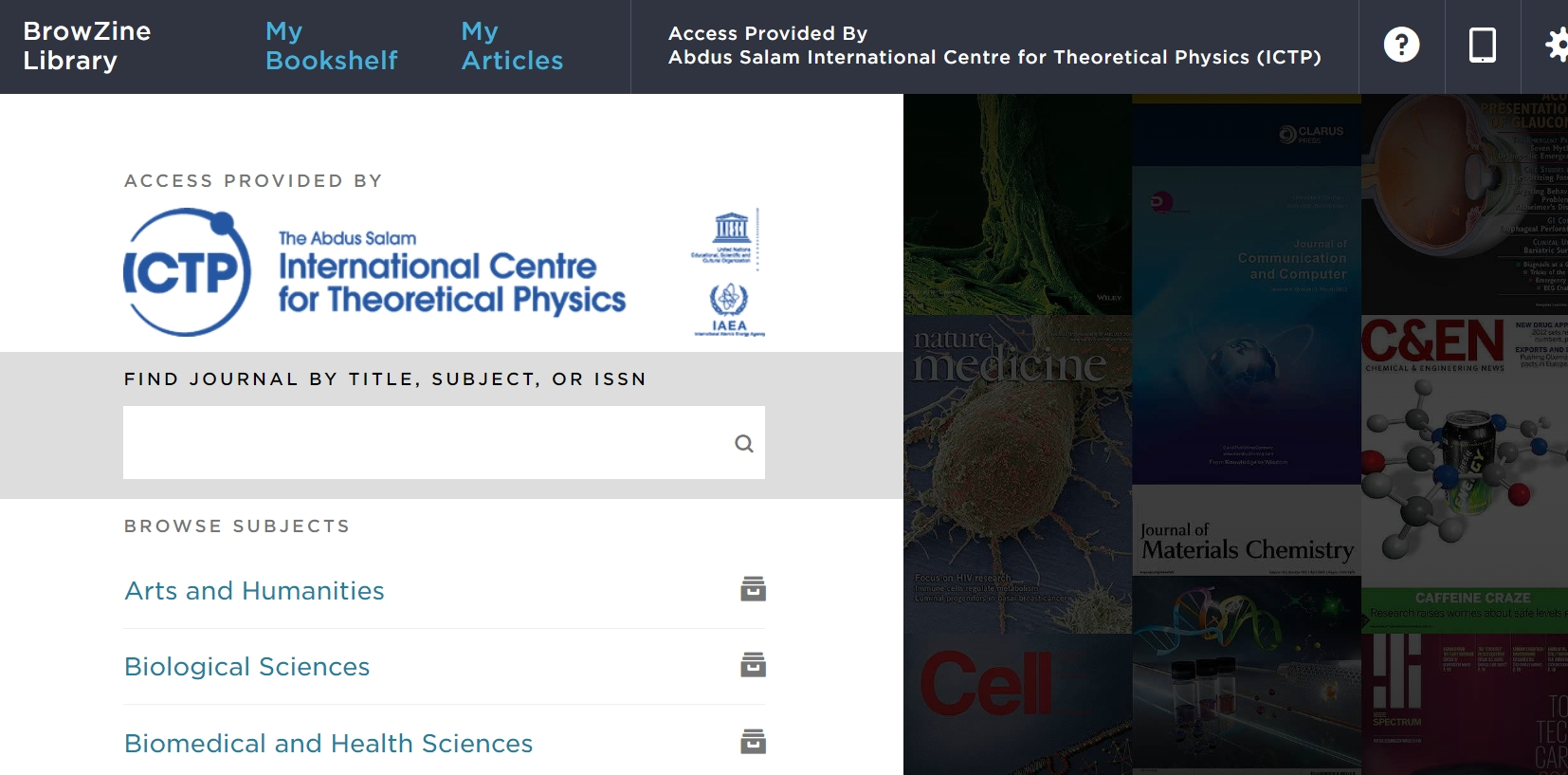
To browse by subject:
A. Select a field.
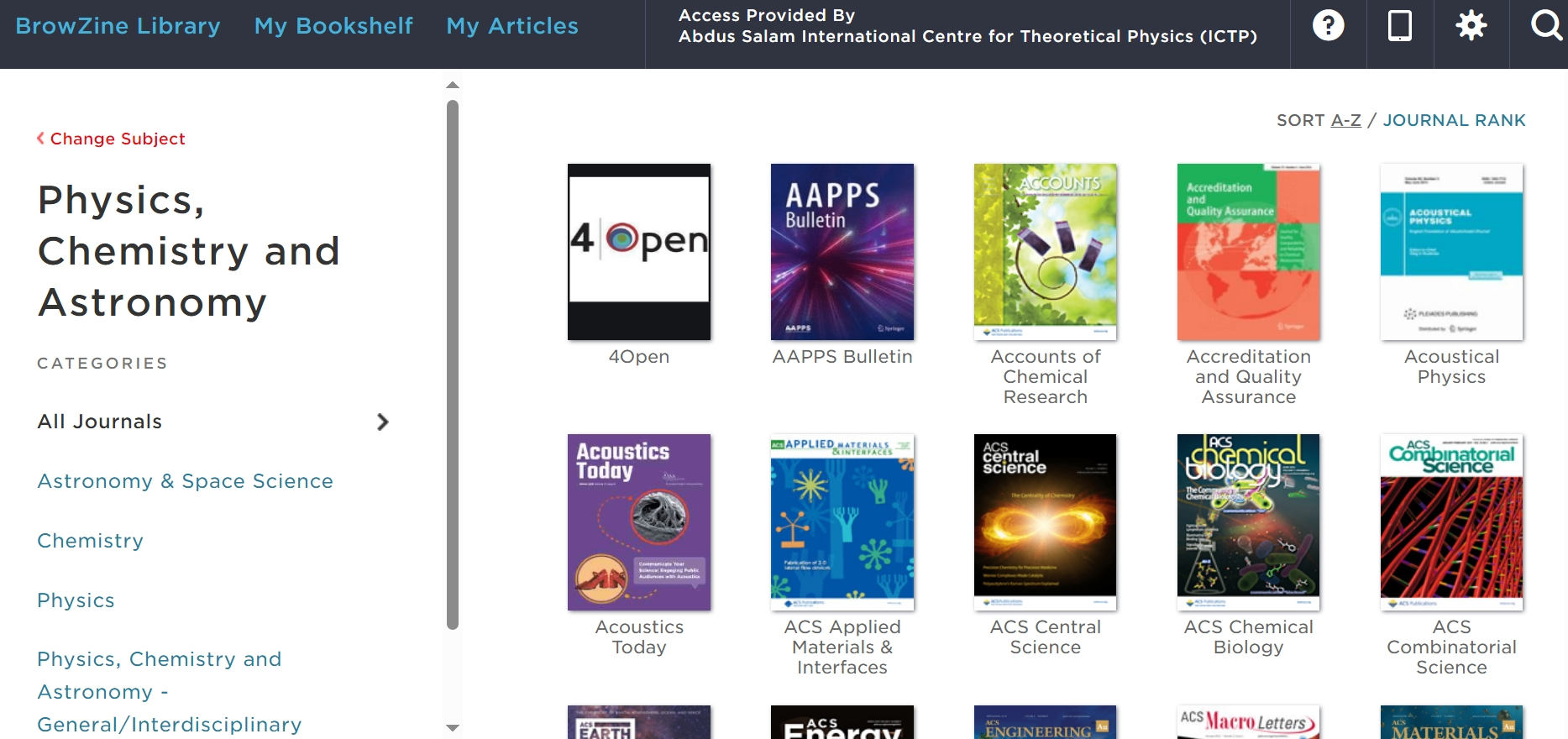
B. Refine the search by sub-field, and sort journals alphabetically or by rank.
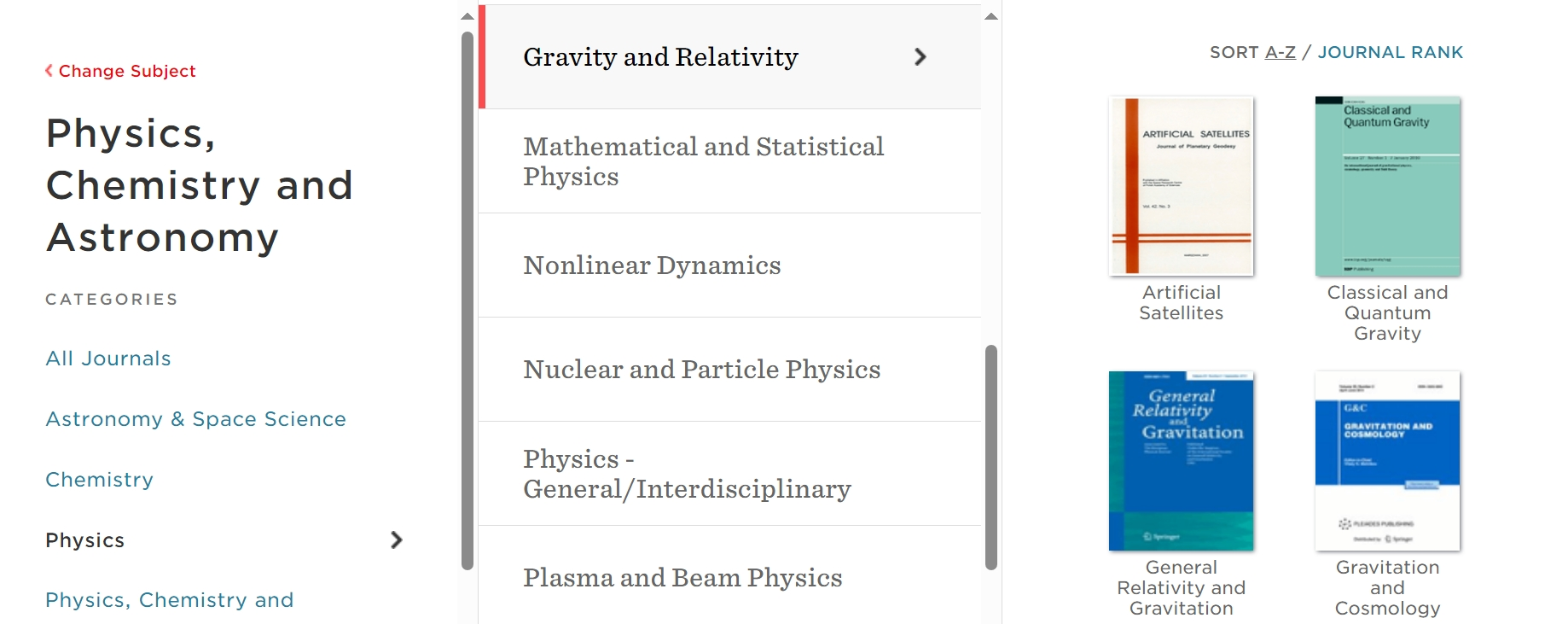
C. Select a journal and browse papers by year and issue.
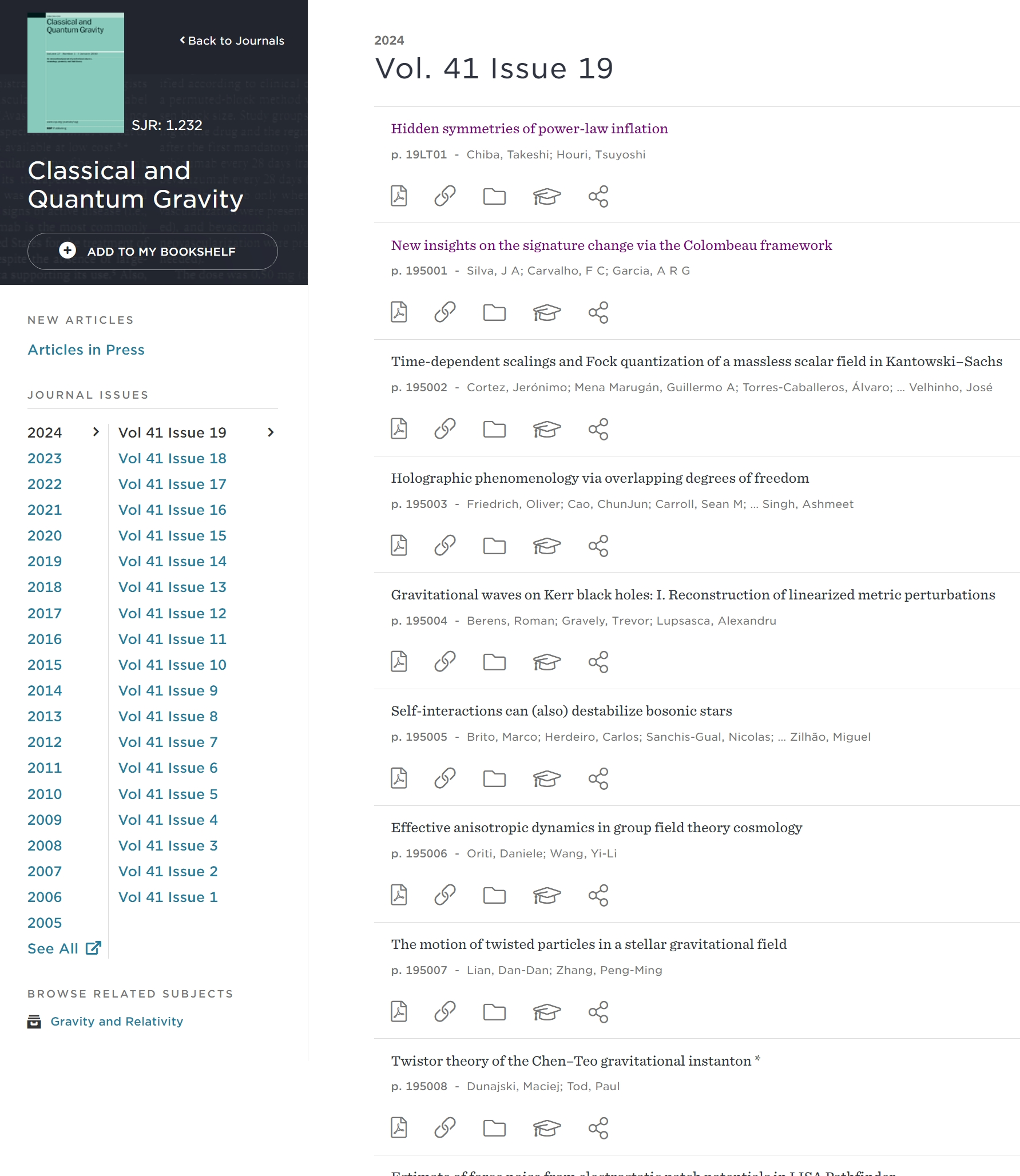
D. Choose an article, and follow Institutional Login steps (see Onsite/VPN vs. Remote Access below).
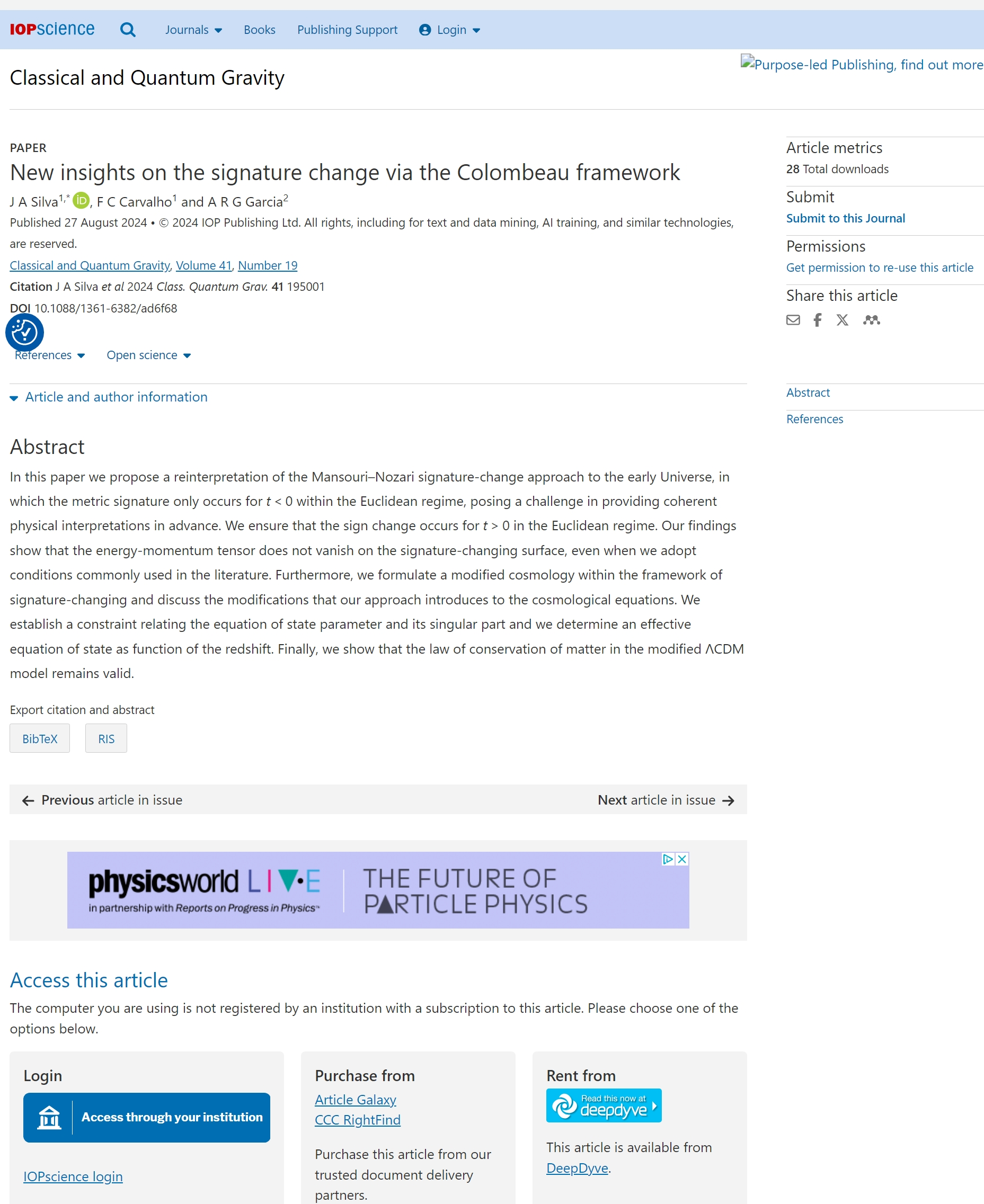
Organising your articles
To save eJournals and articles across all your devices, just click on My Bookshelf and follow the steps to create a BrowZine account.
Choose a password, and a confirmation email will be sent to your ICTP account. Follow the link in this email and continue:

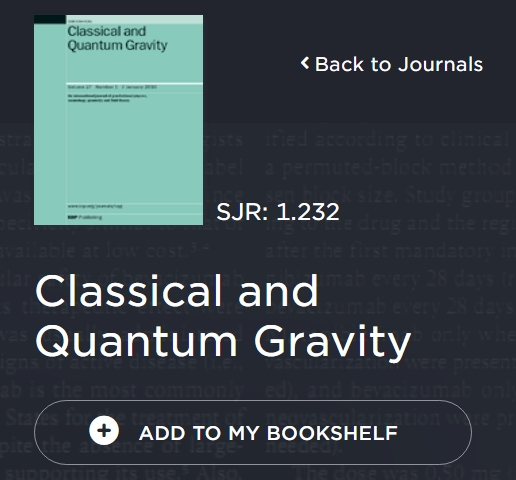
Store your favourite eJournals using Add to My Bookshelf.
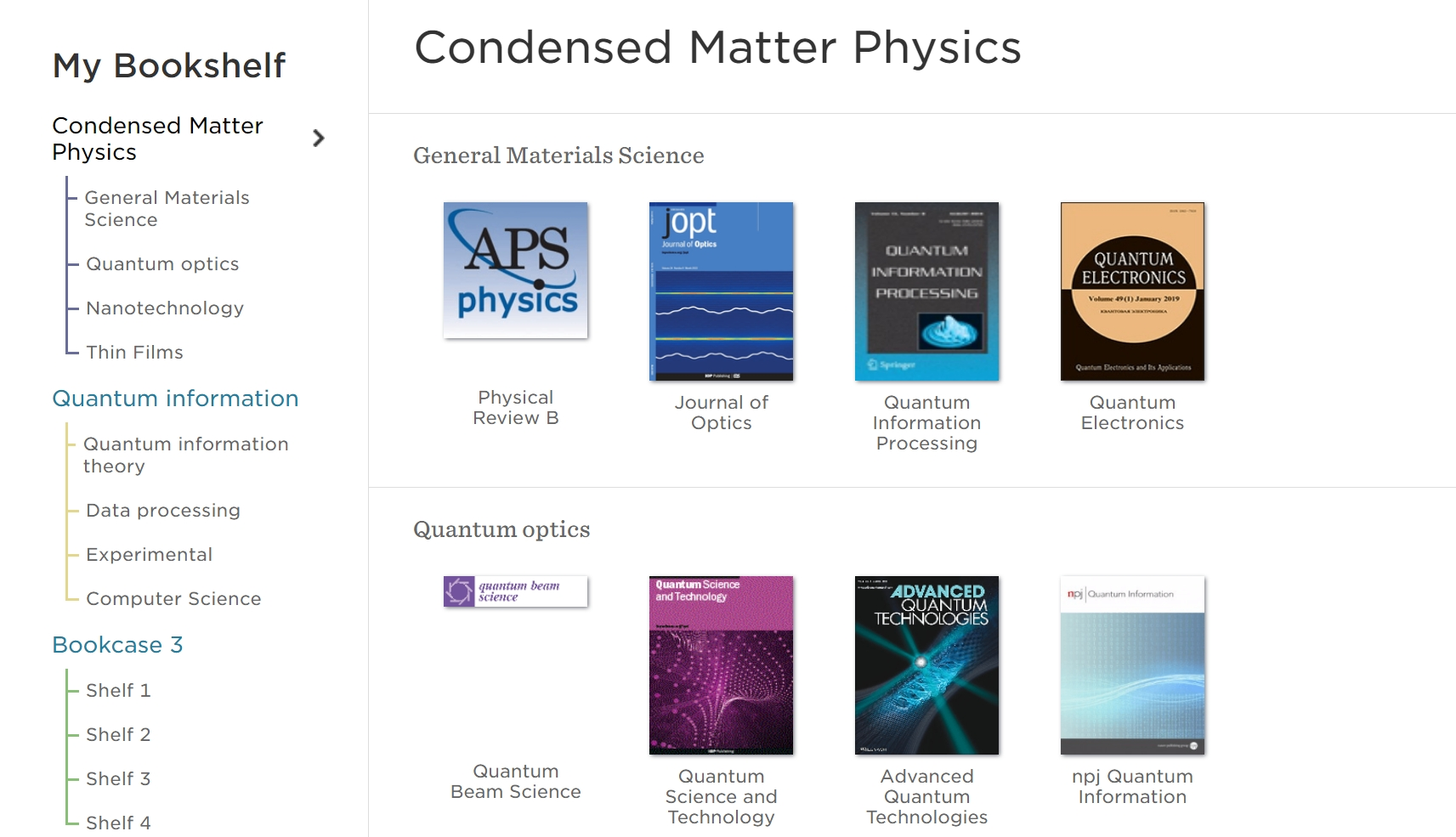
You can also name bookcases and shelves to organise your personal collection.
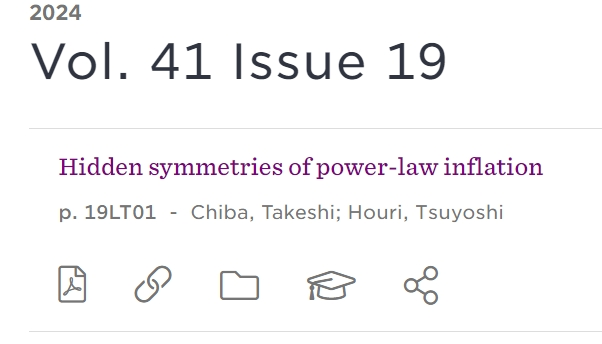
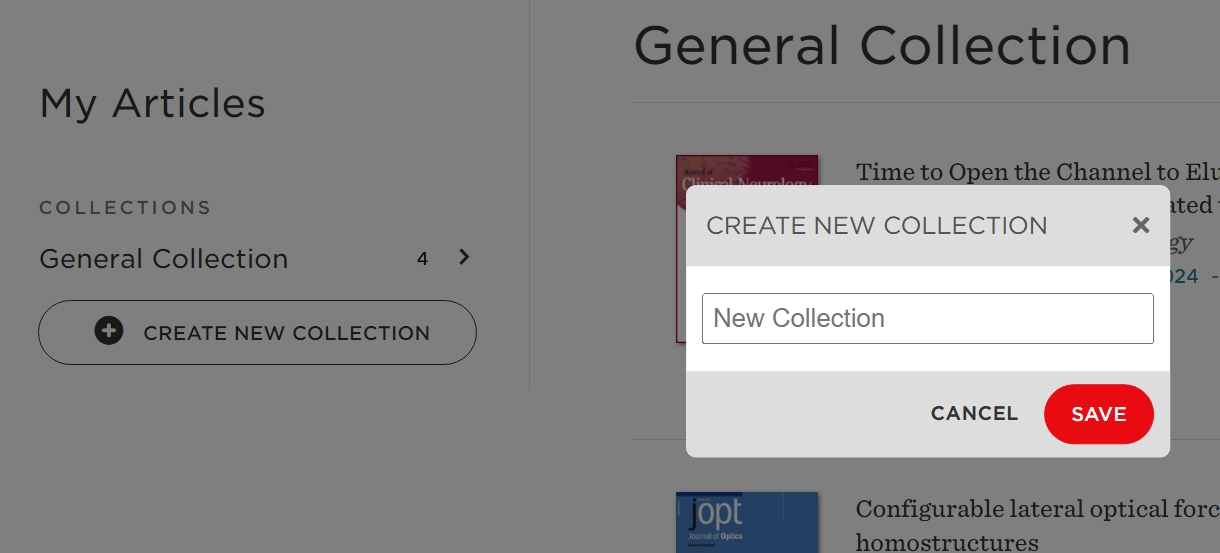
Save your favourite papers to My Articles, and store them in collections:
BrowZine APP
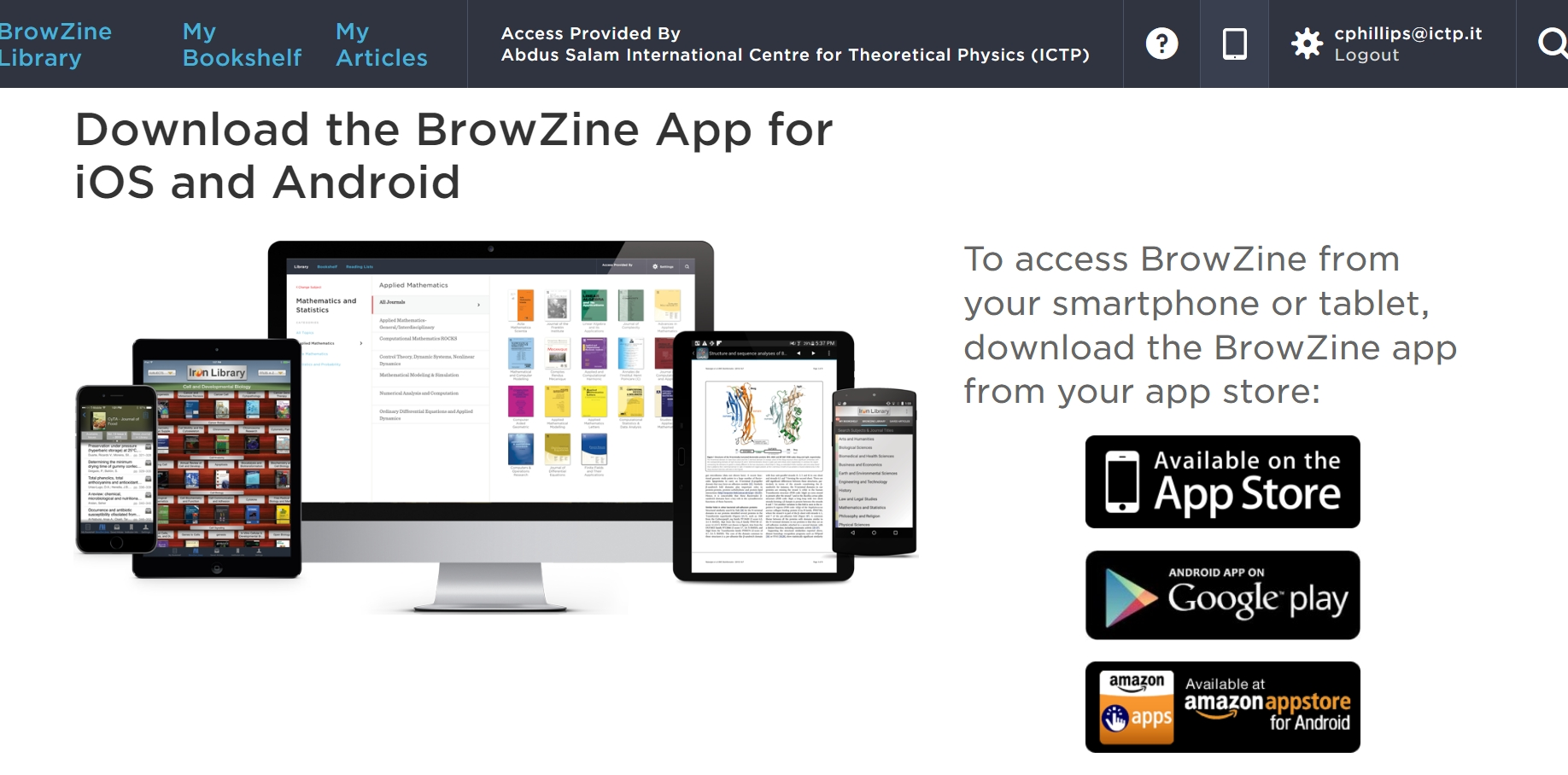
BrowZine also provides a free mobile APP that allows users to find articles and eJournals and use the personal bookshelf and saved articles features across all their devices.
Onsite/VPN vs. Remote Access
If you’re remote with VPN or onsite and connected to eduroam, you can access all licensed eJournals and store articles and journals in your My Articles and Bookshelf using the BrowZine APP.
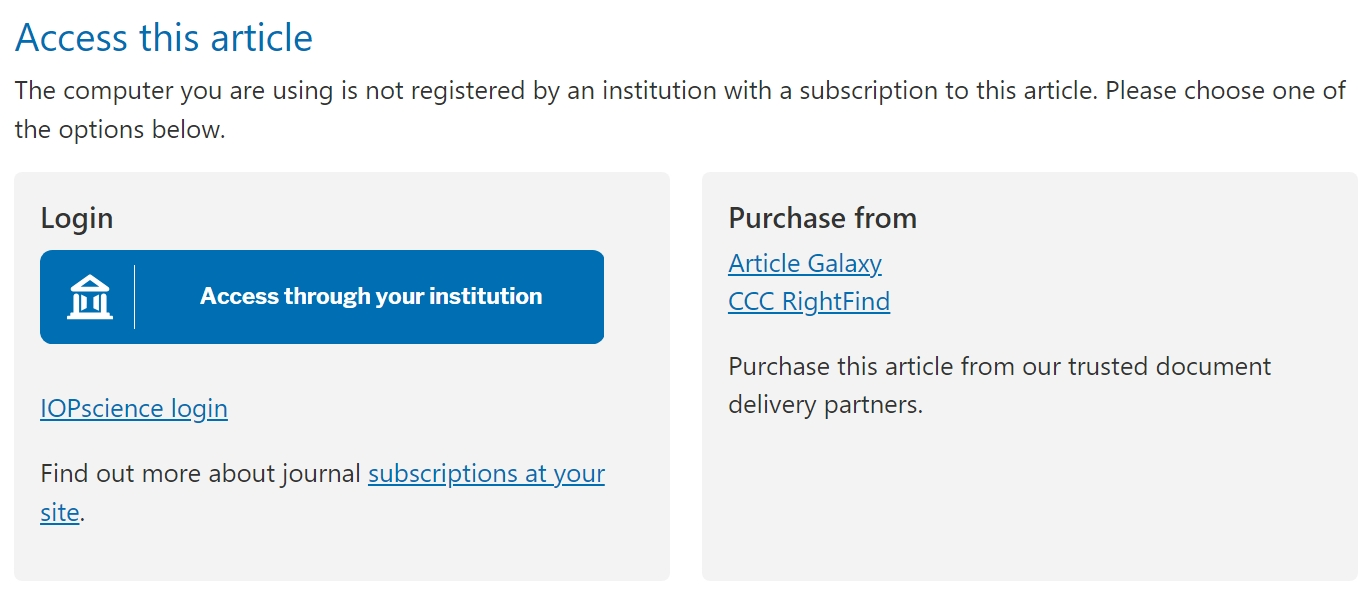
If not, it’s necessary to sign into BrowZine using a web browser, even on a mobile, select an article, and use the link named: Access through your Institution (or similar) to obtain remote access using your ICTP credentials (see this article for more details eJournal and eBook Remote Access for ICTP Users | ICTP Global Science Portal).
Another option is to save articles without viewing the pdf by tapping the three dots on the screen, then Save to My Articles. You can then view the article when you next have access to the ICTP network or VPN. BrowZine also allows users to download papers from My Articles to a particular device when onsite or using VPN.
See the BrowZine user tutorial for more details on this key service provided by the ICTP Library team, and feel free to contact the Library at [email protected] with any questions.